
NOTE: Reports are available to all users but data will be filtered based on the privileges and access of individual users.
Deleting a saved report is a permanent action and cannot be undone.
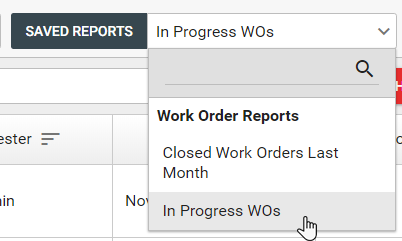
1. Select a saved report to load from the "Saved Reports" drop down.
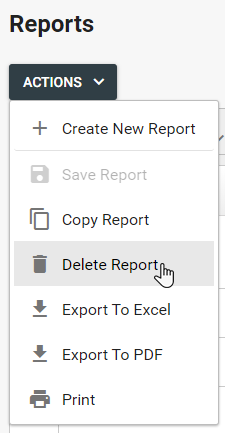
2. Once the report is loaded, click the "Actions" button and select "Delete Report."
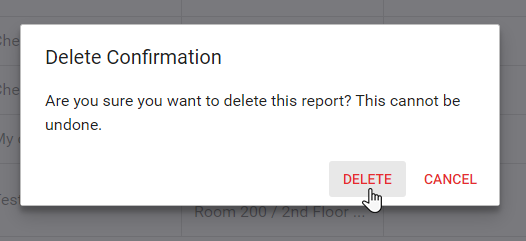
3. Confirm the delete action to permanently delete the saved report.
Comments
0 comments
Please sign in to leave a comment.