
NOTE: Reports are available to all users but data will be filtered based on the privileges and access of individual users.
1. Create a report. To create a report, please read the tutorial "How to create reports."
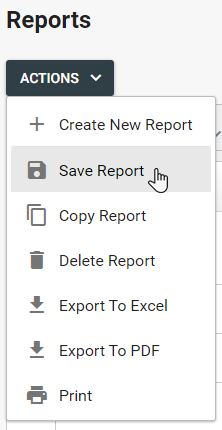
2. Once a report is created, click the "Actions" button and select "Save Report." Saved reports will be available in the "Saved Reports" drop down.
Comments
0 comments
Please sign in to leave a comment.