
NOTE: Tables that can be advanced filtered will have an "Advanced Filters" button at the top of the table or a "Report Filters" button for reports. We're using the work order management table as an example.
1. Log in to your Q Ware application and navigate to Work Orders.
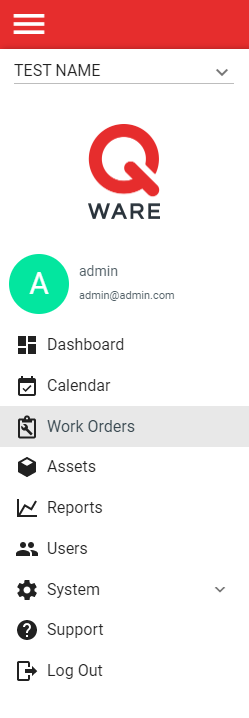
2. Click the "Advanced Filters" button to open the advanced filters side panel.
3. Select filter fields and values to filter the table by. Filter settings can be saved as a custom user view by turning on, "Set as custom user view."

4. Once filters are set, click "Apply" at the bottom of the advanced filters side panel to filter the table.

Comments
0 comments
Please sign in to leave a comment.