
Requirements before getting started:
- User must have the privileges to manage users and manage user groups.
NOTE: User privileges can be managed one of two ways. User groups can be modified to include or exclude privileges that are applied to all users assigned to that group or users can be assigned to different user groups with the desired privileges.
Method 1: Update the privileges for a user group
1. Log in to your Q Ware application and navigate to Users.
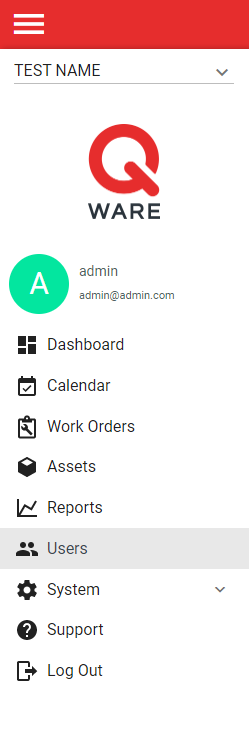
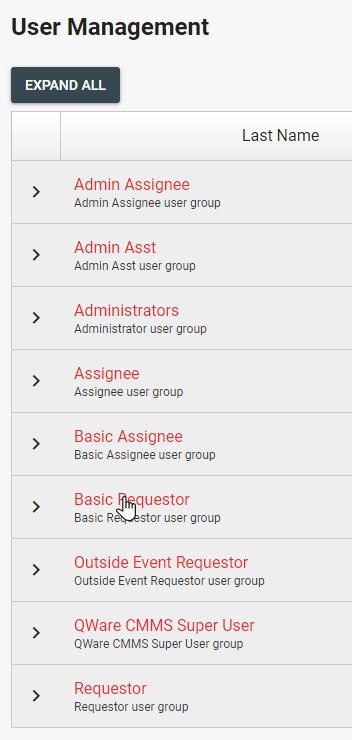
2. Select the user group that needs to be updated.
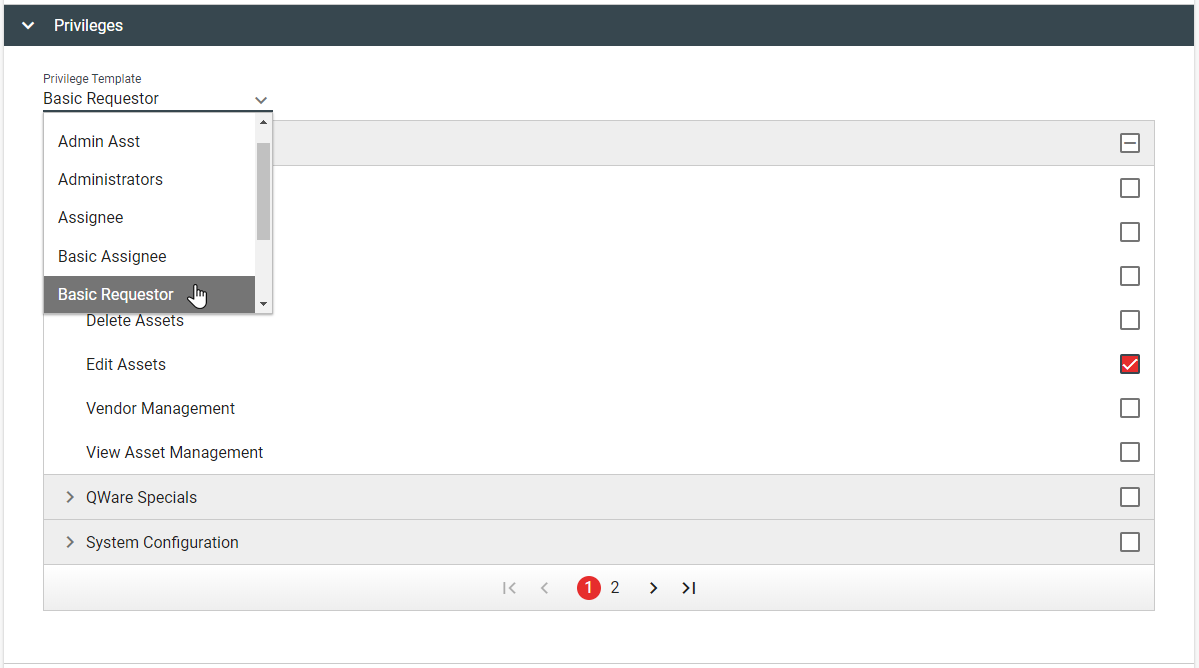
3. Open the "Privileges" expandable section and check the appropriate privileges. Alternatively, default templates can be selected that automatically check privileges common for specific roles.

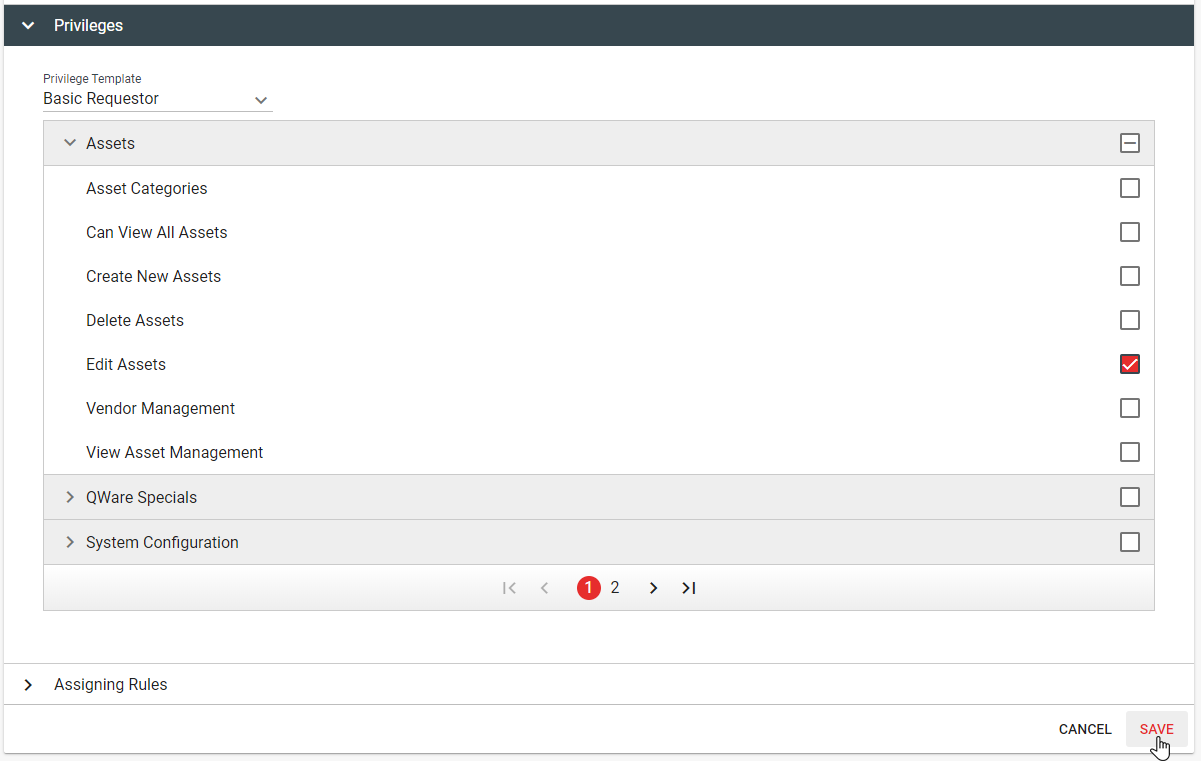
4. Save the user group for the changes to take effect.
Method 2: Assign users to different user groups
1. Log in to your Q Ware application and navigate to Users.
2. Select the user that needs to be updated.

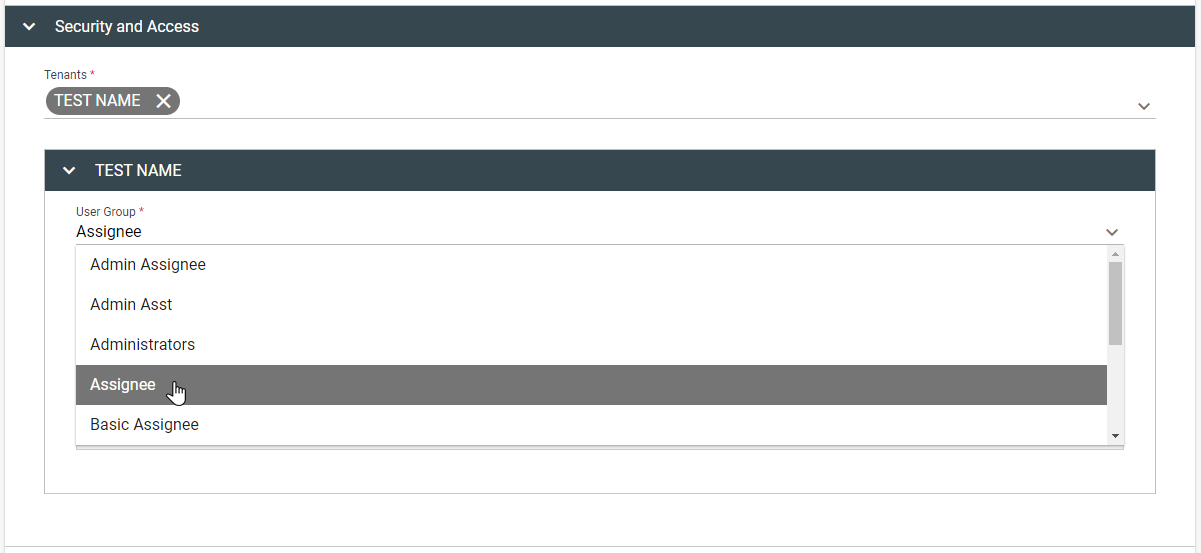
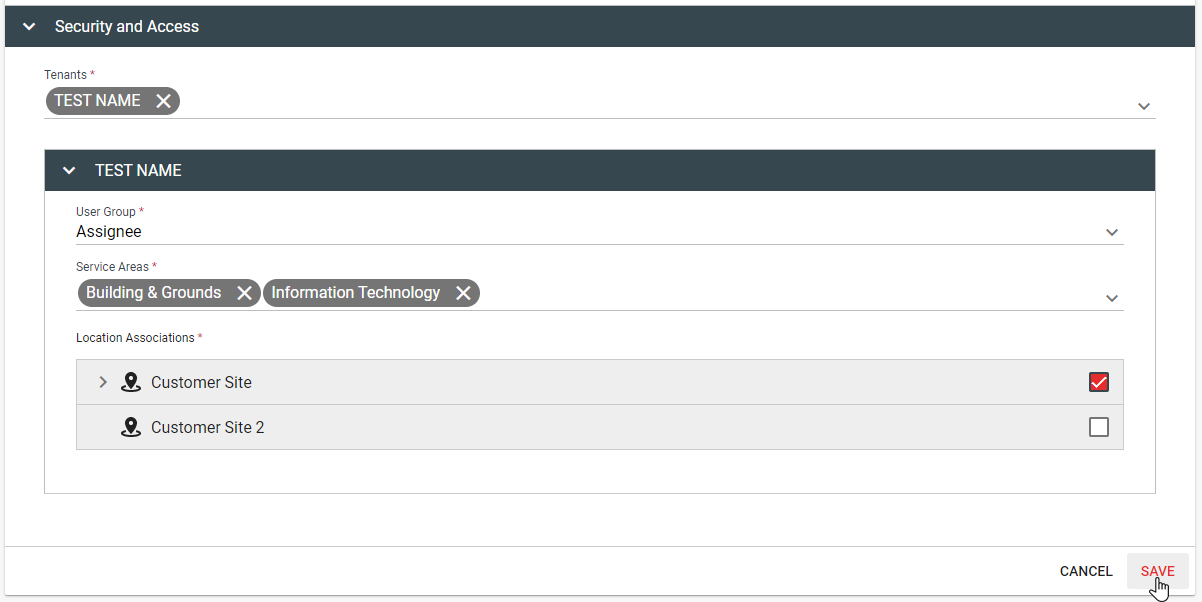
3. Open the "Security and Access" expandable section and select the appropriate user group under the desired tenant.
4. Save the user for the changes to take effect.
Comments
0 comments
Please sign in to leave a comment.